
Cloud & server migration · Udupi & Mangaluru

Move to a better server, and keep everything

We move working websites, stores and business software to a better server, with files, database, email and domain settings carried across. Our studio is in Udupi, open for a visit, and we are still around once the new server is live.

Demo screen with made-up data.
Old server kept
left running as a way back, where the host allows
Tested before the switch
pages, forms, mail and jobs on the new server
Shared, VPS or cloud
the smallest home that does the job
Sites and software
WordPress, PHP, Node.js or ASP.NET Core

In short

What is cloud and server migration?

Cloud and server migration means moving a working website or business system, with its files, database, email and domain settings, from one server to another, such as from shared hosting to a cloud server. Whirl Designs runs these moves from Udupi for businesses in coastal Karnataka. Each site is tested on the new server first, and the old server stays running as a way back.

Updated · Whirl Designs, Udupi

Start here

Better shared hosting, a VPS, or the cloud?

A slow or crowded website does not always need a cloud server. Each of these three homes suits a different kind of site, and every step up brings more to look after.

A better shared host

Best for: Most business websites, small stores and many web apps

  • The host applies server updates and security fixes for you
  • Handles a steady flow of visitors, orders and enquiries
  • The quickest move, and the least to look after afterwards
A private server (VPS)

Best for: A busy store, a web app, or software with background jobs

  • Its memory and processor are not shared with other people's sites
  • You choose the PHP version, scheduled jobs and server settings
  • Someone must apply updates, watch disk space and check backups

A cloud platform

Best for: Systems that must grow, or must keep data in India

  • AWS, Azure or Google Cloud, in a data centre in India
  • Database, file storage and backups can run as separate services
  • More parts to set up and watch, so worth it only when you use them

If a better shared host fixes the problem, you will hear that on the first call, and that is where we will move you.

Our work

No client server move to show you yet

None of our client work yet includes a move to a cloud server that we can put on this page, so you will not find a case study here. The move checklist at the top of the page is an example with made-up figures.

What we can point to is the part of any move that decides whether it is safe: knowing that a system can be copied and brought back whole. We run our own software that way.

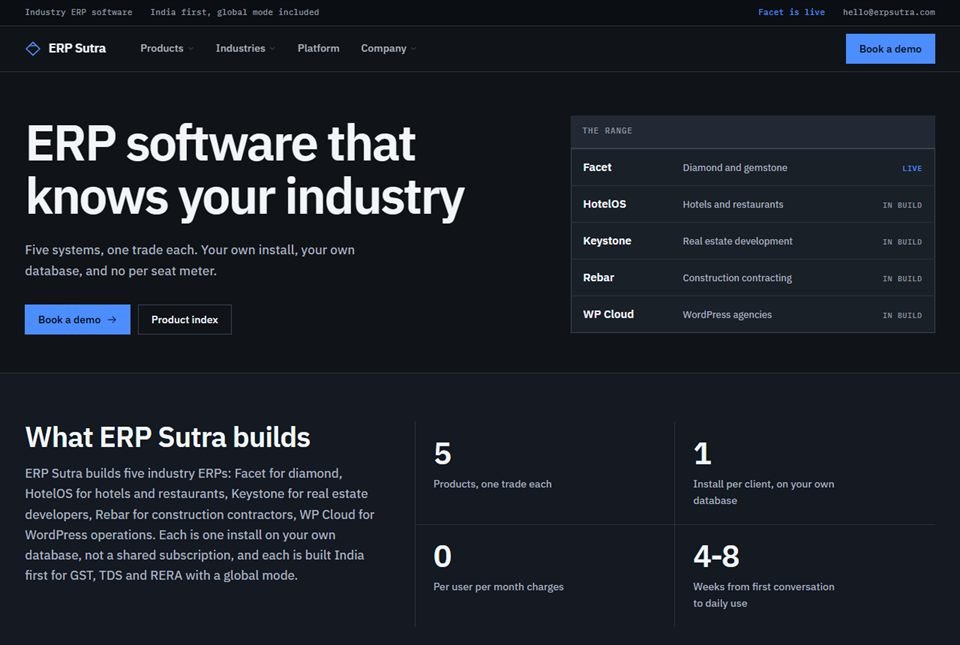
  • ERP Sutra serves paying users from ordinary shared hosting, not from a fleet of servers
  • ERP Sutra’s restore procedure has been run as a real drill, so its backups are not just assumed to work
  • Rebar’s backups copy the database and the files together, each copy is checked with a checksum, and a full restore has been tested end to end

Closest projects

What you get

What every move includes

Copying files is the easy part of a move. These six parts are the rest of it, and all six are written into the move plan before work starts.

  1. A list of everything that movesFiles, databases, mailboxes, scheduled jobs, the DNS records that point your domain at the site and its mail, and the SSL certificate that gives the browser its padlock. Also the settings the old host chose quietly, such as the PHP version and upload limits. Those hidden settings are what usually break after a careless move.
  2. A new server set up properlyOn a VPS or cloud server: a current operating system, a firewall, server logins that need a key file and not just a password, security updates switched on, and every way in closed except the ones the site uses. On shared hosting: the right PHP and database versions, set before anything is copied.
  3. Email that keeps arrivingEvery mailbox made again in its new place and filled with its old mail. Then the mail records, called MX, SPF, DKIM and DMARC, are set so other mail servers know where your mail goes and trust that it is really from you. Order and enquiry alerts sent by the site are tested too.
  4. A full test before the switchThe site runs on the new server under a test address while customers still use the old one. Forms, logins, payments, PDF invoices, image uploads and background jobs are each tried by hand, and you and your staff can try them as well.
  5. Backups kept off the serverDaily copies of the database and files stored somewhere other than the server they came from, and one restore done on the new server before we call the move finished. A backup kept on the same machine is lost along with it.
  6. Accounts and notes in your nameThe hosting or cloud account opened in your business's name, with you holding the main login and our access added as your developer. Plain notes say where everything now lives, so your next move, with us or without us, starts from a map.

How it runs

How a move runs

Your customers keep using the old server until the new one has passed every check. Pointing your domain at the new server comes last.

  1. Look at what you have

    A careful look at your current host: disk space, memory limits, traffic, PHP version, scheduled jobs and who holds each login. Nothing is changed at this stage.

  2. Choose the home, write the plan

    Shared host, VPS or cloud, and which region. The plan lists what moves, in what order, when the switch happens and how we would undo it. Nothing starts until you have read it and agreed.

  3. Shorten the DNS timer

    Every domain has a setting, called TTL, that tells the internet how long to remember where your site lives. A day or two ahead we cut it to a few minutes, so the switch spreads fast and can be reversed fast.

  4. Build the copy, rehearse the move

    The new server is set up and your site copied onto it. Then the whole move is rehearsed once, so the real switch follows steps that have already been tried and timed.

  5. Switch at a quiet hour

    We pick an hour when few customers are on the site, often late in the evening. The last changes are copied across, DNS is pointed at the new server, and then mail, forms and error logs are watched as visitors arrive.

  6. Keep the old server for a while

    Where your old host allows, the old server stays as it was for a week or two, so you can switch back if something turns up. Once mail, forms and Google Search Console look clean, you close the old account, and the new server passes to whoever will look after it: us, or your own IT person with our notes.

Not a fit

When moving is the wrong fix

Moving servers is not always the answer to a slow or unhappy website.

  • Your site is small and works well, and your new host offers to copy it across for you. Let them do it, and call us only if something does not work afterwards.
  • The site is slow because of the site, not the server: huge images, too many plugins or a heavy theme. A bigger server will not fix that, and speed work on the site itself will.
  • You want a VPS or cloud server but nobody will look after it. A server that never gets updates is riskier than good shared hosting, so either stay on shared hosting or arrange for someone to maintain it.
  • The site is broken, hacked, or you have lost the logins. That needs a rescue first, and our legacy rescue service covers it. The move can come after, once the site is healthy.

5.0 on Google — read our reviews

Questions

Questions about moving servers

Will my website go down during the move?

Usually only for a few minutes, and often not at all. The new server is built and tested while the old one keeps running, and DNS changes only at the end. A plain website sees no break. A store or billing system pauses new orders for a few minutes during the last database copy, so that no order is saved on the old server after it has been copied.

Will moving to a new server affect our Google rankings?

Not if the page addresses stay the same and the site stays up. A server move changes where the site lives, not its addresses, so Google keeps the pages it already knows. We check that the padlock (HTTPS), the sitemap and the robots.txt file, which guide Google around the site, came across unchanged. Then we watch Google Search Console for errors in the weeks after the switch.

When should I move from shared hosting to a VPS?

Move when your host warns you about resource limits, the site slows at the same busy hour every day, background jobs stop before they finish, or you need software the host will not install. If none of that is happening, shared hosting is probably still enough, and a better shared host may be all you need.

How long does a server migration take?

Moving a typical business website usually takes a few days from start to finish, and most of that is testing. The switch itself takes minutes. A store, a web app or business software with years of records and scheduled jobs usually takes one to three weeks. The date often depends on how quickly the old hosting, domain and DNS logins can be found.

Will our business email keep working?

It should keep working right through the move. Mailboxes are ready on the new side before DNS changes. For a day or so after the switch, some mail may still reach the old server while the change spreads, so we collect it from there and copy it across. If email shares a host with the website, it can be a good moment to move it to Google Workspace or Microsoft 365, so one problem cannot take down both.

Can't our new hosting company move the website for us?

Many hosts will, and their move copies the files and the database. What it usually leaves out is the rest of the job: the mail records, scheduled jobs and hidden settings of the old host, a hand test of forms and payments on the new server, and a way back if the switch goes wrong. Those are the parts we plan, test and write down.

Can you move our website to AWS, Azure or Google Cloud?

Yes. We set up the server in an Indian data centre, such as the Mumbai or Hyderabad region, which keeps data in the country and close to your customers in Udupi and Mangaluru. The account is registered to your business, with its GST number, so it stays yours. We will also tell you plainly when a simpler host would do the same job with less to look after.

Can you move software that runs on a computer in our office?

Often, yes, if it is web-based software or a database that a server can run. Moving it to a cloud server lets branches and staff on phones use it without the office computer staying on. We can visit your office, whether it is in Udupi, Manipal, Karkala, Kundapura or Mangaluru, to copy it, and the office copy stays untouched until the new one is proven.

Worth reading first

PLATFORMS & TECH

Engineering you can build on.

Clean, documented, tested code on a modern, proven stack — the foundation that keeps your cloud & server migration fast and dependable for years.

cPanel/hPanelVPSDNSMySQLSSLrsync301 redirectscPanel/hPanelVPSDNSMySQLSSLrsync301 redirectscPanel/hPanelVPSDNSMySQLSSLrsync301 redirectscPanel/hPanelVPSDNSMySQLSSLrsync301 redirectscPanel/hPanelVPSDNSMySQLSSLrsync301 redirectscPanel/hPanelVPSDNSMySQLSSLrsync301 redirectscPanel/hPanelVPSDNSMySQLSSLrsync301 redirectscPanel/hPanelVPSDNSMySQLSSLrsync301 redirects
integrations/payments.ts
await fetch("https://api.yourapp.com/orders", { method: "POST", headers: { Authorization: `Bearer ${key}` } }); ✓ 200 OK · webhook delivered

Ready when you are

Let's build something that lasts.

Tell us where your site or software runs today and what is going wrong, and we will send you a written move plan to read before anything is touched.

50+
projects shipped for local & global clients_
100%
of the code is yours to keep_
9
real, live projects on our work page — from our Udupi studio_
Whirl Designs assistantAnswers from this site · not a person
Ask about what the studio builds, how a project runs, or what would suit your business. I answer from this site, and I can pass you to the team any time.
WhatsApp us