An automated scan
Best for: A first look at a simple one-page site
- Runs in minutes and lists old versions, missing headers and certificate problems
- Cannot tell which warnings matter and which are noise
- Finds problems but fixes none of them

Security audit & hardening · From Udupi, across India
We find the gaps a bot would find on your website or web app, close each one and test it again, whoever built the site. A few months after the fixes, our Udupi studio checks again that every gap has stayed shut.
In short
A website security audit is a careful check of a site's files, logins, software, forms and settings to find the gaps an attacker could use to get in. Whirl Designs, a studio in Udupi, runs these audits in person around Udupi and Mangaluru and remotely anywhere in India, fixes each problem it finds, tests the site again and hands over a plain-English report of what changed.
Start here
Security checks come in three sizes. A scanner is quick and shallow, a penetration test is deep and formal, and most business websites need the one in between.
Best for: A first look at a simple one-page site
Best for: Business sites, shops and web apps you depend on
Best for: When a regulator, tender or client contract asks for one
The middle one is what we do. Whirl Designs is not on CERT-In's list, so if you need the third, we will tell you to hire a listed firm, and we can fix what their report finds.
Our work
There is no client security audit we can show yet, so this page names no client, and every finding in the report at the top is invented for the demo. The clearest real example is a problem on our own website, which we wrote up in public.
Bots found the newsletter form on whirldesigns.com, and the list grew to 306 subscribers without one real person among them. Three changes closed it: a signed token, a code our page adds to the form, which a bot posting straight to the form does not have; limits on how often one source can sign up; and double opt-in, so nobody joins until they click the link in a confirmation email. Every form we check for you gets tried against the same kind of attack.
Closest projects
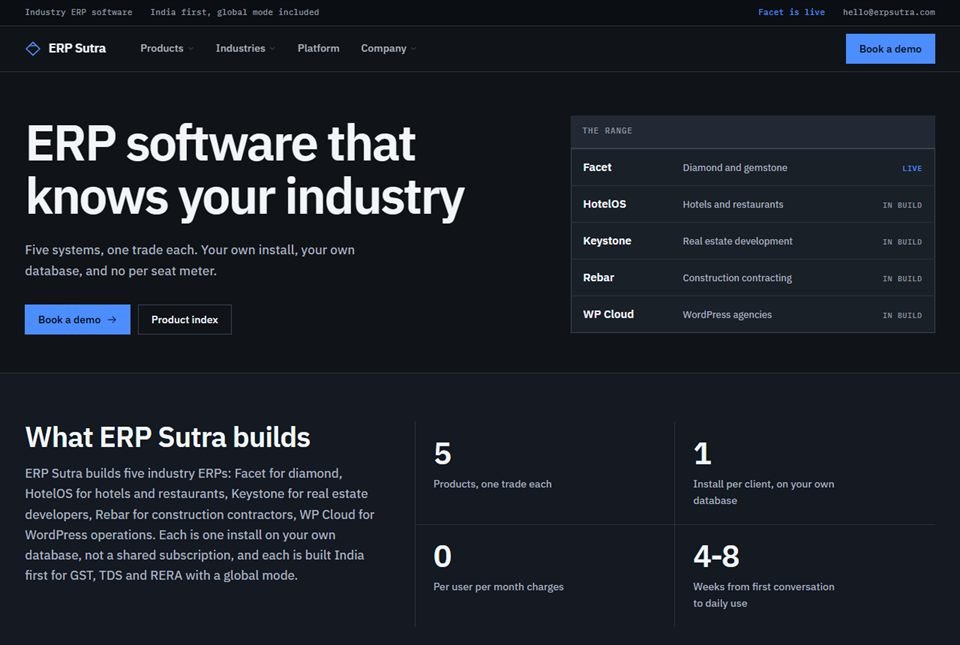 ERP Sutra
Software products · Karnataka
Our own product arm — a shared platform layer with two industry ERPs built on top of it, both live with paying users rather than sitting in a pitch deck.
Facet — Diamond & Jewellery ERP
Manufacturing ERP · Private system
A full manufacturing ERP for the diamond and jewellery trade — rough to polished, karigar job work, stock at every stage, and GST e-invoicing with a QR code generated in-house.
ERP Sutra
Software products · Karnataka
Our own product arm — a shared platform layer with two industry ERPs built on top of it, both live with paying users rather than sitting in a pitch deck.
Facet — Diamond & Jewellery ERP
Manufacturing ERP · Private system
A full manufacturing ERP for the diamond and jewellery trade — rough to polished, karigar job work, stock at every stage, and GST e-invoicing with a QR code generated in-house.
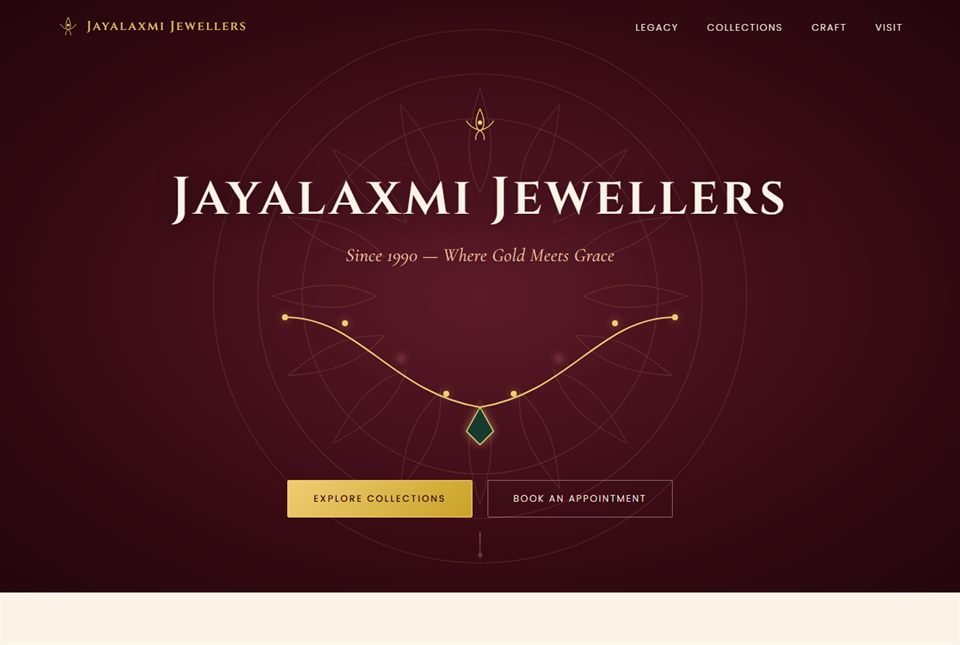 Jayalaxmi Jewellers
Retail jewellery · Karkala
A brand site for a gold house trading since 1990, built to feel like the shop it represents — and backed by a full retail ERP handling billing, savings schemes and old-gold exchange.
Jayalaxmi Jewellers
Retail jewellery · Karkala
A brand site for a gold house trading since 1990, built to feel like the shop it represents — and backed by a full retail ERP handling billing, savings schemes and old-gold exchange.
What you get
These are the gaps bots try first on every site they reach. Each audit covers all six, and the report says so even when a place turns out clean.
How it runs
You hear about the most serious problems in the first few days, not in a report at the very end.
Together we agree which sites, subdomains and systems are checked and which tests are allowed, and you sign off in writing. Testing a site without its owner's permission is something we never do, so this step always comes first.
First comes the view a bot has, with no password: common file addresses, login pages, software versions, headers, certificates and forgotten subdomains. These checks are light, about what a few visitors would cause. Tools do the slow part; a person reads every result and throws out the false alarms.
Next comes a look from inside, with a separate account you create for us and delete when we finish, never your own password: plugins, user accounts, file permissions, server settings, signs the site is already hacked, and what each form does with what people type. Web apps are also worked through against the OWASP Top 10, a widely used list of the most common web app weaknesses.
You get a report in plain English: where each problem is, why it matters, how serious it is and how we would fix it. Something critical, like a backup anyone can download, is reported the same day and closed as soon as you agree.
A full backup comes first, and we check that it restores. Risky fixes and heavy tests, such as many login attempts in a row, are tried on a copy of the site or at a quiet hour you choose. Then every check runs again, and the second report shows each problem closed and lists anything left for you to decide.
Sites drift: a new plugin, a new staff login, a zip file uploaded just for now. So the checks run again later, and your team keeps a short list of things never to do on the live site.
Not a fit
Some sites need something else first, and you should hear that before any testing starts.
Questions
For a typical business website, the checks take two to four working days, and most fixes are done within the following week. A web app with customer logins, payments or file uploads often takes two to three weeks, because every role and form has to be tried. More subdomains, more user roles or a site that has already been hacked all make the job longer.
Common signs are a Google warning next to your site in search, strange pages under your domain, visitors sent to other sites, admin users you never created, or your host suspending the account. Some attacks show nothing for weeks. If you see a sign, do not delete files yet: we keep a copy to learn how the attacker got in, clean the site or restore a clean backup, then close that way in.
Yes, when it is kept up to date and set up with care. Break-ins usually come through an old plugin or theme, a weak admin password or a login with no limit on tries, not through WordPress itself. Hardening a WordPress site means closing exactly those: fewer plugins, updates on time, 2-step login, files that visitors cannot change and no backups left on the server.
Usually nobody picks you. Bots scan every site they can reach, trying the same common file addresses and passwords, and they use whatever opens: to send spam from your server, hide scam pages on your domain or copy your customer list. Being small makes a site less interesting to a person, not harder for a bot to find.
No. The padlock only means the connection between a visitor's browser and your site is encrypted, so nobody along the way can read it. It says nothing about an old plugin, a weak admin password or a backup file sitting on the server. A site can show the padlock and still be wide open, which is why the audit looks far beyond the certificate.
A full check about every three months suits most business websites, plus one after any big change, such as a redesign, a new plugin, a new payment option or someone with admin access leaving. Between full checks, a monthly outside scan catches the simple slips, like a backup file left in a public folder.
An audit is a one-time deep check that finds and fixes the gaps on your site. Maintenance is the routine care that follows: updates, backups and monitoring, so the site does not drift back. Many sites need the audit once and a maintenance plan after it. We do both, and the audit report tells you whether you need the second.
Yes. You can go through the findings with us at our studio in Udupi, or we can come to your place of work in Manipal, Karkala, Kundapura, Mangaluru or Udupi itself, with whoever looks after your website in the room. The testing is done remotely, so businesses elsewhere in India or abroad get the same audit, with the walk-through on a video call.
Worth reading first
Clean, documented, tested code on a modern, proven stack — the foundation that keeps your security audit & hardening fast and dependable for years.
Ready when you are
Name the sites or web apps you want checked and what each one is built on, and you will get an audit plan in writing: the checks we will run, the access we need and how long it will take.