
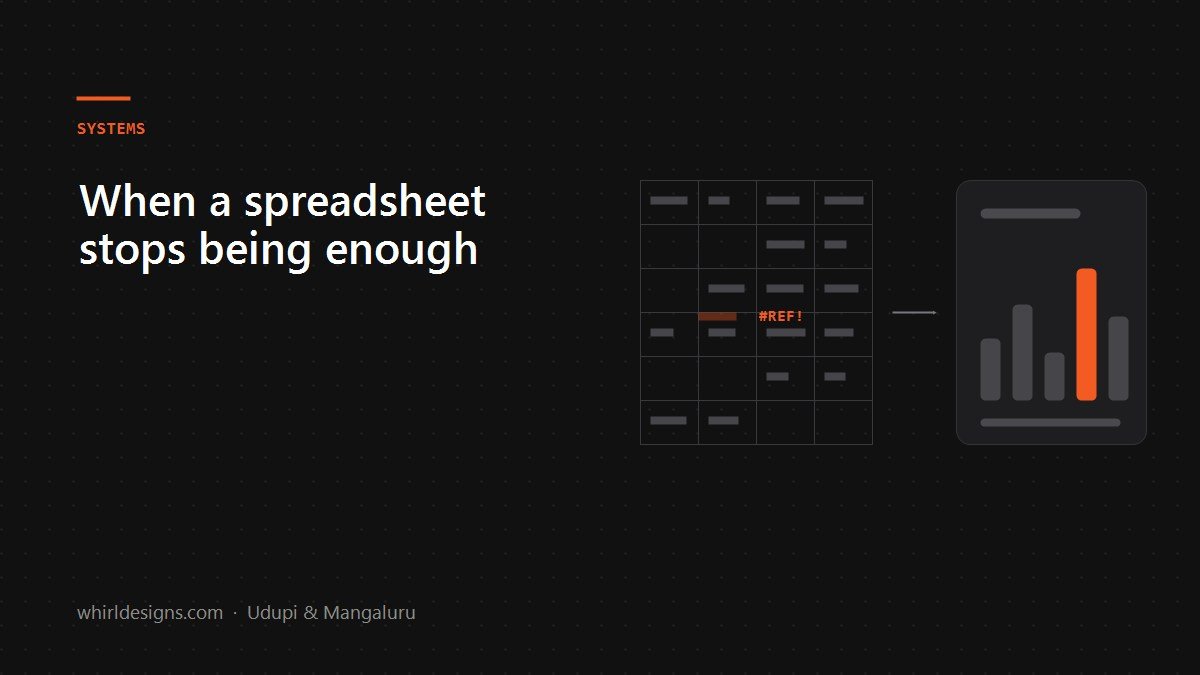
Spreadsheets are the most successful business software ever written, and anyone who sneers at them has not run a business. A well-built Excel file has taken plenty of firms from nothing to several crore in turnover. The question is never whether spreadsheets are good. It is whether yours has quietly become the bottleneck.
Five signals, in the order they usually appear
1. One person is the system
There is a file only one person fully understands, with formulas nobody else will touch. When they are on leave, work waits. This is the earliest signal and the most dangerous, because it looks like competence rather than risk.
2. The same number lives in three places
Stock in one sheet, purchases in another, what you tell the customer in a third. They disagree by Friday. Somebody spends two hours reconciling them, every week, forever.
3. Nobody can answer a simple question quickly
"How much do we have with karigars right now?" "What did we actually make on that order?" If answering means opening four files and doing arithmetic, you are not running the business on data — you are running it on memory and rebuilding the data on demand.
4. The file has started breaking
Slow opening. Someone has the file locked. A row is deleted and three formulas break silently. #REF! appears and nobody knows how long it has been wrong. Silent wrongness is the real problem — a crash tells you; a broken formula does not.
5. You are hiring people to operate the spreadsheet
When a job description is essentially "keep the sheets updated", the tool has started consuming the labour it was supposed to save.
What software actually replaces
People imagine ERP means an enormous system that does everything. In practice, what makes a difference for a business of twenty to two hundred people is much narrower. It replaces the four things a spreadsheet is structurally bad at:
- Two people working at once. A database handles concurrent edits. A shared file does not, whatever the cloud version claims.
- Rules that cannot be broken. Stock cannot go negative. An invoice cannot be raised against a cancelled order. In a spreadsheet every rule is a convention somebody can type over.
- History. Who changed this rate, when, from what. A spreadsheet forgets instantly; an audit trail is often the entire reason to move.
- The same fact in one place. One record of a customer, a rate, a stock item — read by billing, purchasing and reporting alike.
The mistake: replacing everything at once
The classic failure is the big-bang rollout. Twelve months, every department, go live on the first of the month, and it does not work, and everyone quietly returns to the spreadsheets while paying for the system.
What works is boring and incremental. Take the single most painful process — usually billing, stock, or job work — and build only that. Run it alongside the spreadsheets for a month. When people stop opening the old file for that process, take the next one.
Two things follow from this. You get value in weeks rather than a year, and if the first module is wrong you find out cheaply.
Off the shelf or custom?
An honest answer, from people who sell custom software: buy standard software for standard problems. Accounting is a solved problem — Tally and Zoho are cheaper and better than anything worth writing from scratch. Payroll, largely solved. Basic invoicing, solved.
Custom earns its cost where your process is genuinely unusual, and it usually is somewhere:
- A jeweller's savings schemes, old-gold exchange and karigar job work — no package models these the way the trade actually runs.
- An areca or spice trader's lot-wise grading, rates and party settlements.
- A reinforcement contractor's bar bending schedules, site consumption and weekly labour runs.
- A seafood exporter's grade-wise stock, batches and buyer documentation.
The test is simple: if you are being asked to change how you work in order to fit the software, and the way you work is what makes you money, that is when custom is worth it. If you are just doing normal accounting slightly differently, it is not — you will spend a lot to rebuild something you could have bought.
What it costs, in the honest sense
The build is not the expensive part. The expensive parts are the ones nobody quotes for:
- Deciding what the rules actually are. Half of every project is discovering that two people have been doing the same job differently for years.
- Getting old data in. Years of spreadsheets, inconsistently typed. Always slower than expected.
- Training, and the dip. The first fortnight is slower than the spreadsheet was. Plan for it or the rollout dies in week two.
A vendor who does not mention these three is either inexperienced or is planning to bill you for them later.
If you only do one thing
Write down the process that hurts most, and count how many hours a week your team spends on it. If it is more than one person-day, you have a business case, and probably a small one — a single well-built module rather than an ERP.
And keep the spreadsheets for what they are genuinely superb at: thinking. Modelling a price change, testing a scenario, working something out on the back of an envelope. That is not a system of record, and it was never supposed to be.
Common questions
When should a business stop using spreadsheets?
When one person is the only one who understands the file, when the same number lives in three places and they disagree, when nobody can answer a simple question quickly, or when you are hiring people mainly to keep the sheets updated.
Do I need a full ERP or just one module?
Almost always one module first. Build the single most painful process — usually billing, stock or job work — run it alongside your spreadsheets for a month, and move on only when people stop opening the old file. Big-bang rollouts are how ERP projects fail.
Is custom software better than Tally or Zoho?
Not for standard problems. Accounting, payroll and basic invoicing are solved, and buying is cheaper than building. Custom earns its cost only where your process is genuinely unusual — jewellery schemes and old-gold exchange, lot-wise trading, bar bending schedules.